TripperMusic

Instruments for sounds that don't exist yet.

Granular clouds, frozen spectra, maps of timbre and gardens of melodies that grow on their own. Five synthesizers by Eric Tripper, free to play right here in your browser.

7″ touchscreen1024 × 6004 encoders4 buttonsMIDI
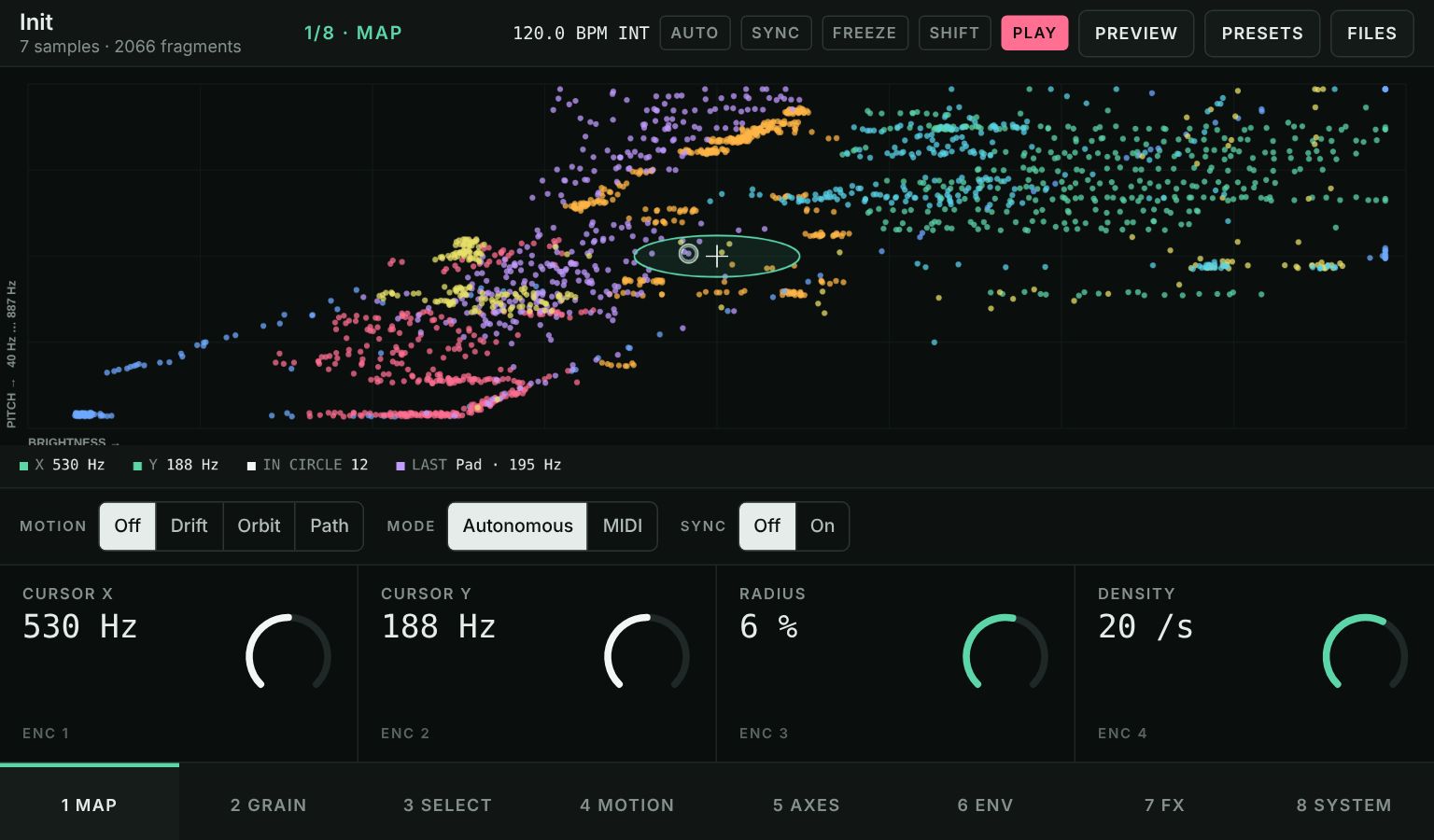
WaveAtlas screen: thousands of coloured dots, each a sound fragment, arranged by brightness and pitch, with the play cursor in the middle

The collection

Five instruments, one layout

Every instrument is designed as a real machine with the same controls, so what you learn on one carries over to the others. Each opens as a full playable simulation.

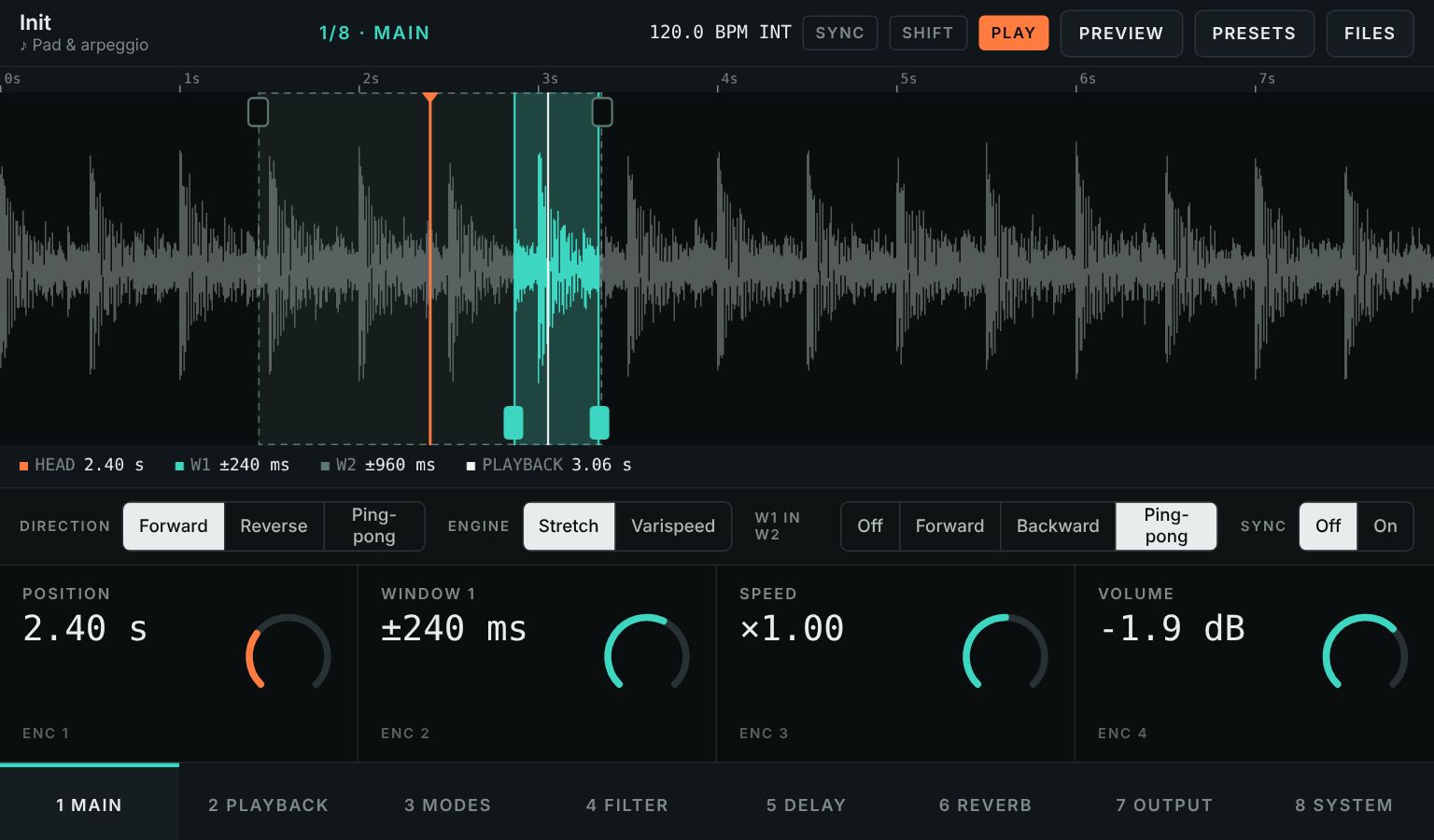
WaveSkanner screen: a waveform with two nested scanning windows
Sample scanning

WaveSkanner

Scans through a sample with two nested windows that move on their own. Stretch time without changing pitch, or let it run like tape, then shape it with filter, delay and reverb.

  • Two scan windows
  • Stretch or varispeed
  • Delay & reverb
  • 40 presets
  • VST3 plugin

User manual (PDF):EnglishFrançaisRead online
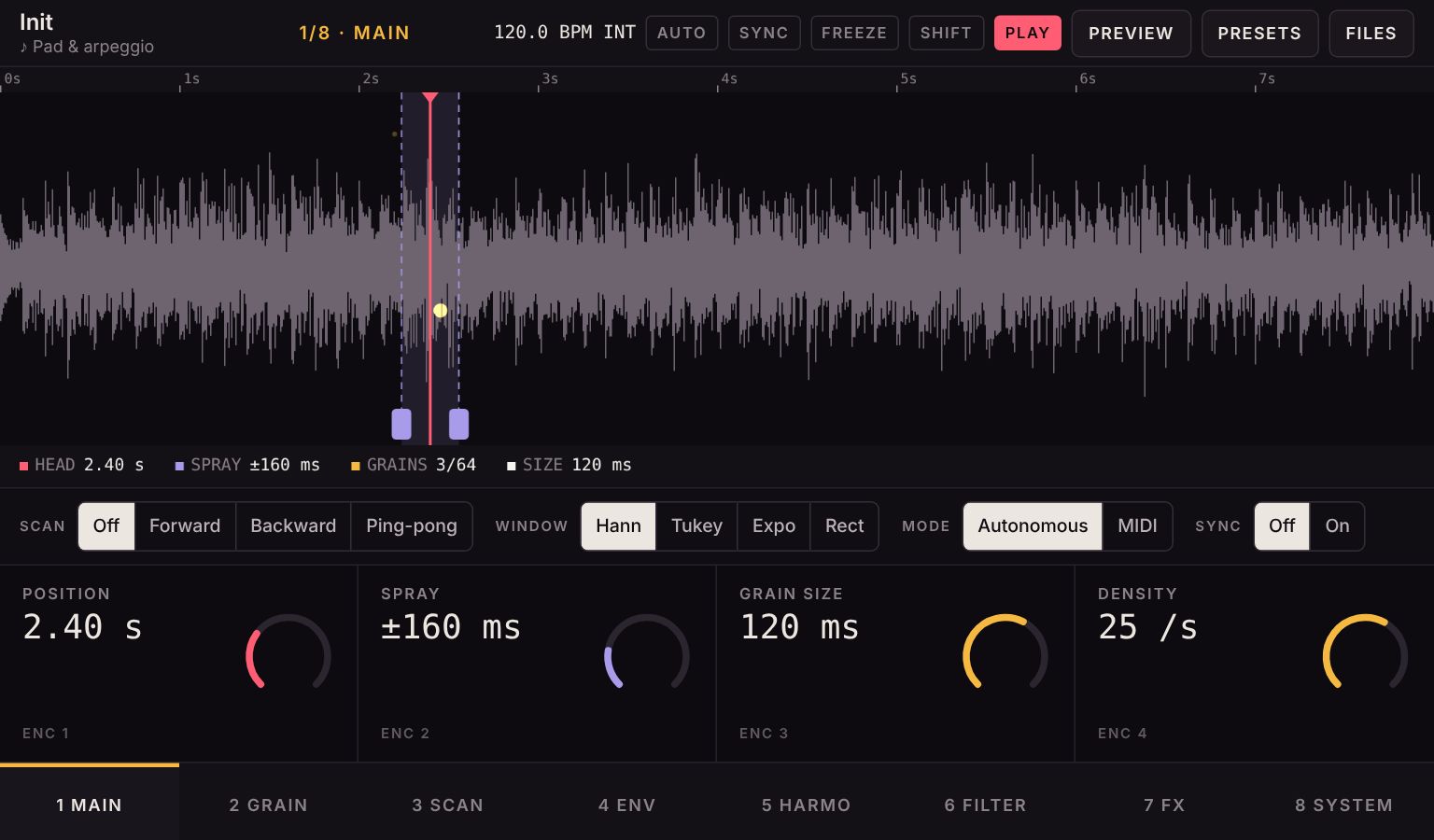
Grainwaver screen: a waveform with the grain cloud around the play head
Granular synthesis

Grainwaver

Turns any sample into a cloud of tiny grains. Hold a single moment forever, smear a melody into a pad, or scatter it into glittering particles. Play it on its own or from a MIDI keyboard.

  • 64 grains
  • Freeze
  • Harmonizer
  • 4-voice MIDI
  • Your own samples
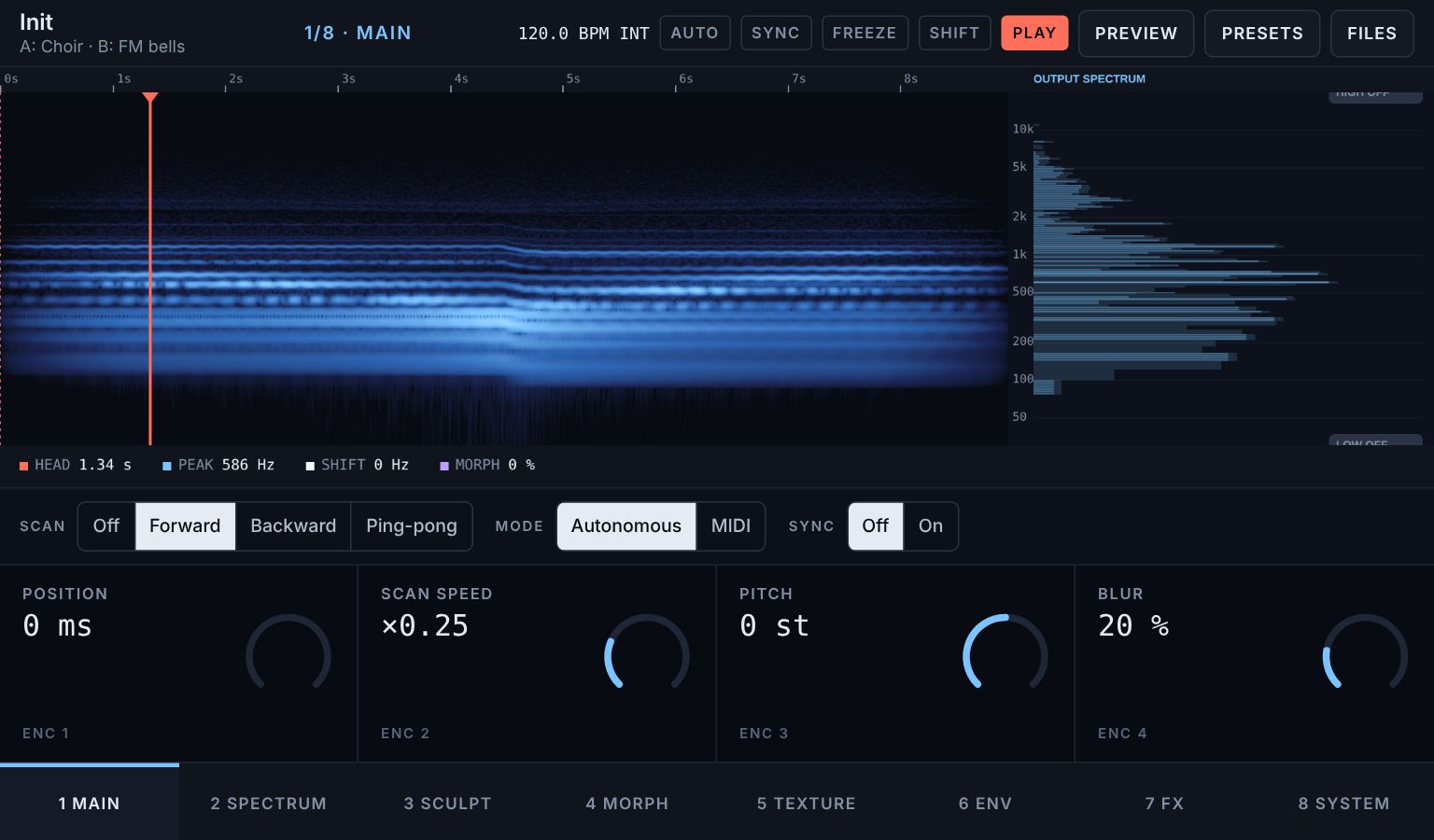
WaveSpectral screen: a blue spectrogram with the live output spectrum beside it
Spectral synthesis

WaveSpectral

Freezes a moment of sound and lets you sculpt its spectrum: shift and stretch the partials, keep only the strongest few, or morph one sample into another, like a voice speaking through a choir.

  • Spectral freeze
  • A → B morph
  • Partial sculpting
  • 4-voice MIDI
WaveAtlas screen: a map of sound fragments coloured by source sample
Timbre map

WaveAtlas

Cuts your samples into thousands of fragments and lays them out on a map by how they sound. Glide your finger from dark to bright, from noise to pitch, and play a region of timbre instead of a single sample.

  • Thousands of fragments
  • Choose the axes
  • Tune to note
  • Gesture recorder
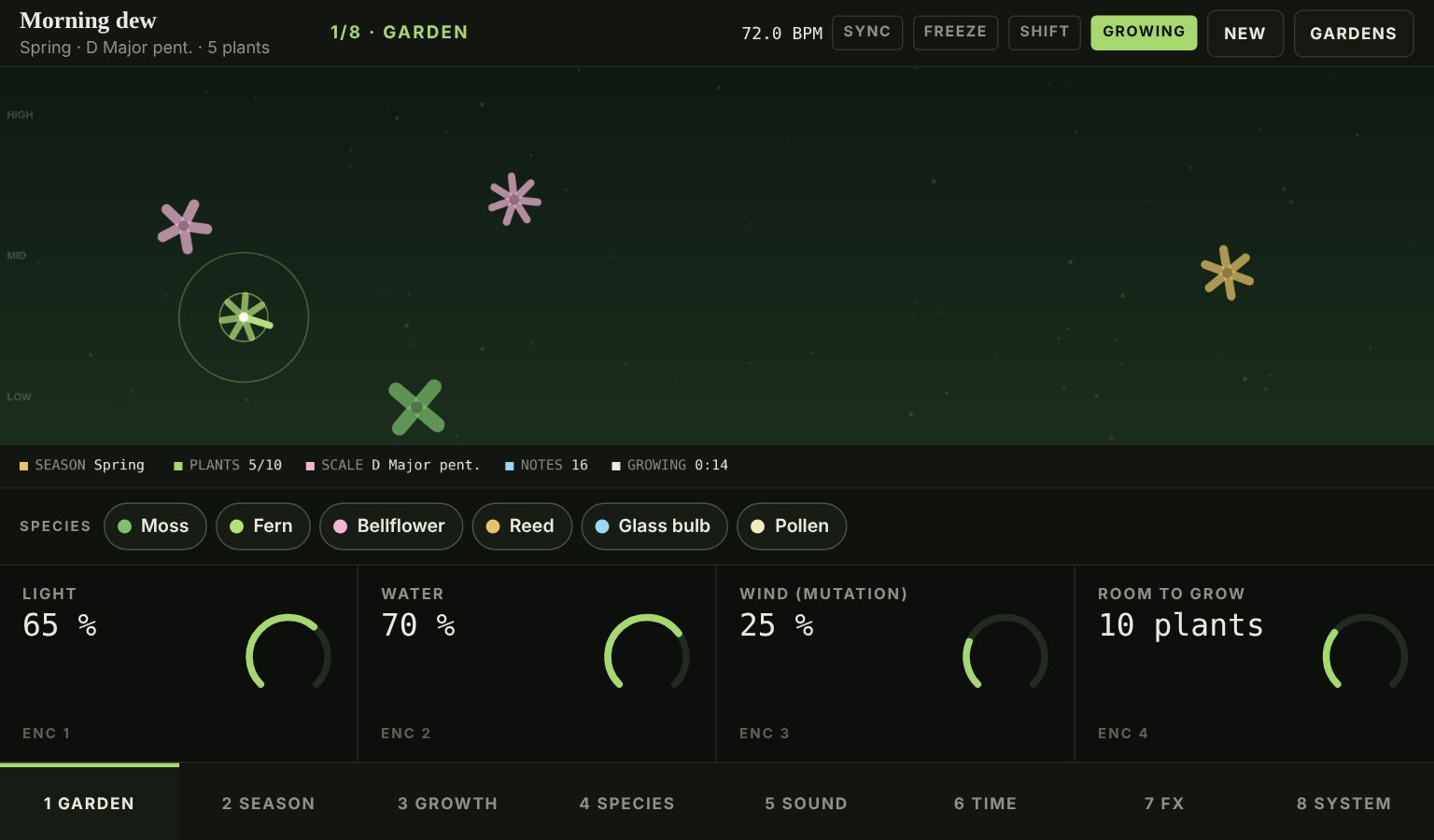
WaveGarden screen: flower-shaped plants growing in a dark green garden
Generative ambient

WaveGarden

A garden where every plant is a melody. Plants sprout, bloom, seed new variations of themselves and fade away as the seasons turn. You don't play it so much as tend it, for hours of music that never repeats.

  • 6 species
  • 4 seasons
  • Sleep timer
  • Feed it a chord

How they work

Designed as hardware

One front panel

A 7-inch screen, four encoders and four buttons: Play, Page, Freeze and Shift. Eight pages of four controls each.

Touch or turn

Drag on the screen or on the knobs, use the mouse wheel, or play notes from a MIDI keyboard or your computer keys.

Your sounds, your presets

Load your own samples and save complete presets. Everything stays in your browser; nothing is uploaded.

Works best in Chrome or Edge on a computer, with headphones or good speakers. MIDI keyboards and MIDI clock need Chrome or Edge; the rest works in any recent browser.

Free to play. Tips build the next one.

Every instrument here is free. If one of them found its way into your music, a small tip on Ko-fi helps me spend more time building new ones.

Support on Ko-fi